
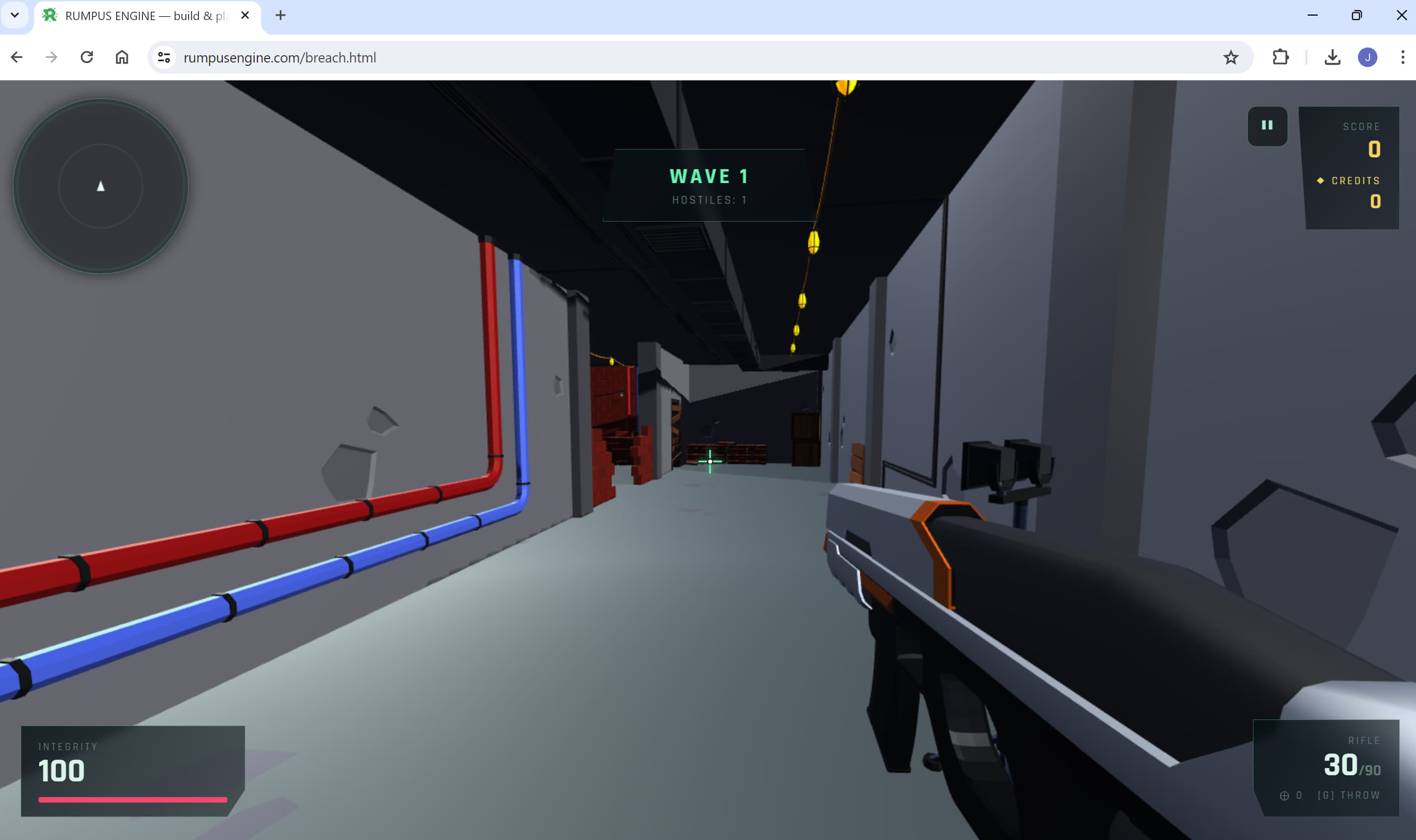
Can you really make 3D games in a browser?
Yes. Modern browsers render 3D through WebGL and run physics through WebAssembly at close to native speed. That is enough to run a complete 3D engine — editor, renderer, physics and networking — inside a single tab.
Rumpus Engine does exactly that. It is a free browser-based game engine: you open a page, build a level visually, press a key to play it, and share it as a URL. Nothing is installed at any point.
What "runs in the browser" actually buys you
- Zero setup. No installer, no launcher, no SDK, no 10 GB download before your first cube.
- Any machine. A school laptop, a locked-down work machine or a borrowed desktop all work, because nothing is written to the system.
- Nothing to update. You always load the current version; there are no patches or migrations.
- Sharing is a link. Your players do not download or install anything either — the biggest source of drop-off in indie games simply disappears.
- Instant iteration. No compile step. Editing and playing are the same session.
And the honest trade-offs
A browser tab has a memory budget and everything arrives over the network, so browser engines suit tight, fast-loading games rather than sprawling open worlds with 4K texture sets. You also work with what the web platform exposes: no native plugins, no console export. If you need a 60 GB AAA pipeline, a desktop engine is the right tool. For most indie and hobby 3D games, the trade is worth it.
How Rumpus Engine works
The whole engine — editor, renderer, physics, netcode and asset pipeline — is one HTML file. There is no build step and no server for the game itself.
| Layer | What it uses | What that means for you |
|---|---|---|
| Rendering | three.js over WebGL | Real-time 3D with shadows, post-processing, depth of field and motion blur |
| Physics | Rapier via WebAssembly | Rigid bodies, vehicles, ragdolls and destructible props at near-native speed |
| Multiplayer | PeerJS over WebRTC | Peer-to-peer co-op and PvP with a room code — no game server to rent or run |
| Storage | Your browser, plus URL sharing | Levels autosave locally; a whole level compresses into a link |
Because the engine is a single file, it also works offline once loaded, and you can keep your own copy of it. The project ships with 840 automated test harnesses covering the engine's behaviour.
What you can build in the browser
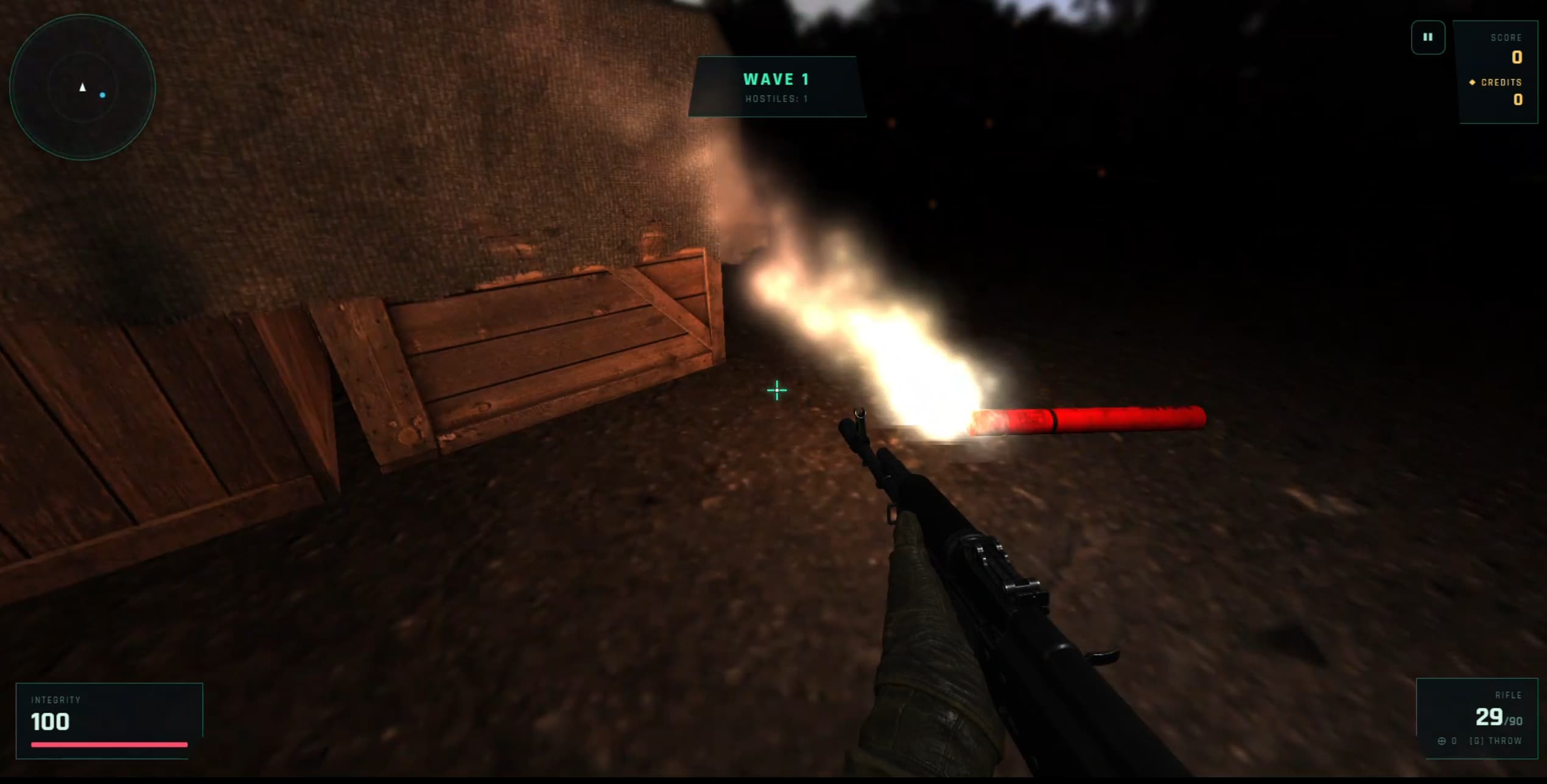
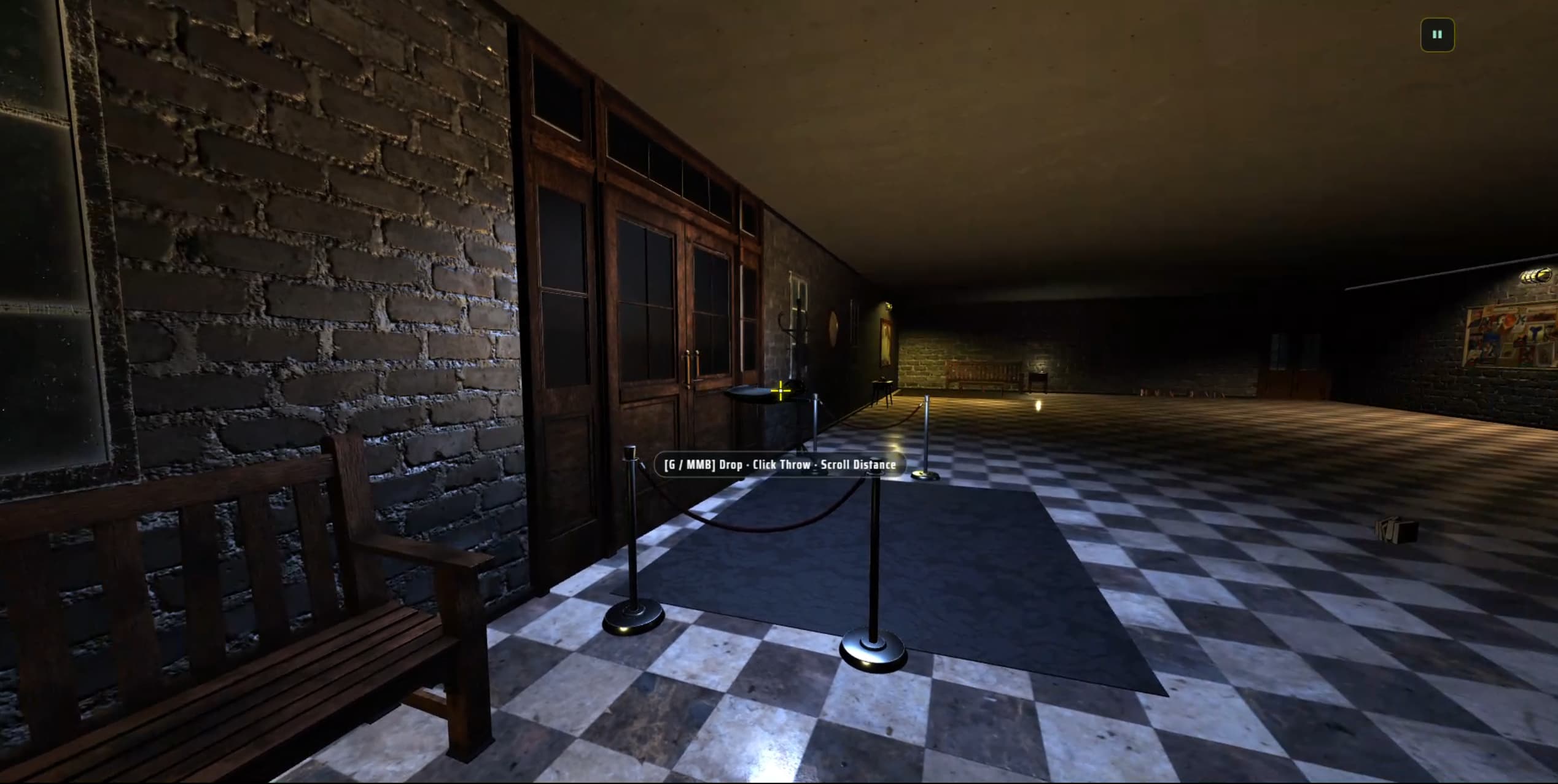
First and third person
Wave combat, distinct enemy archetypes, weapon loadouts and attachments, upgrade cards between waves.
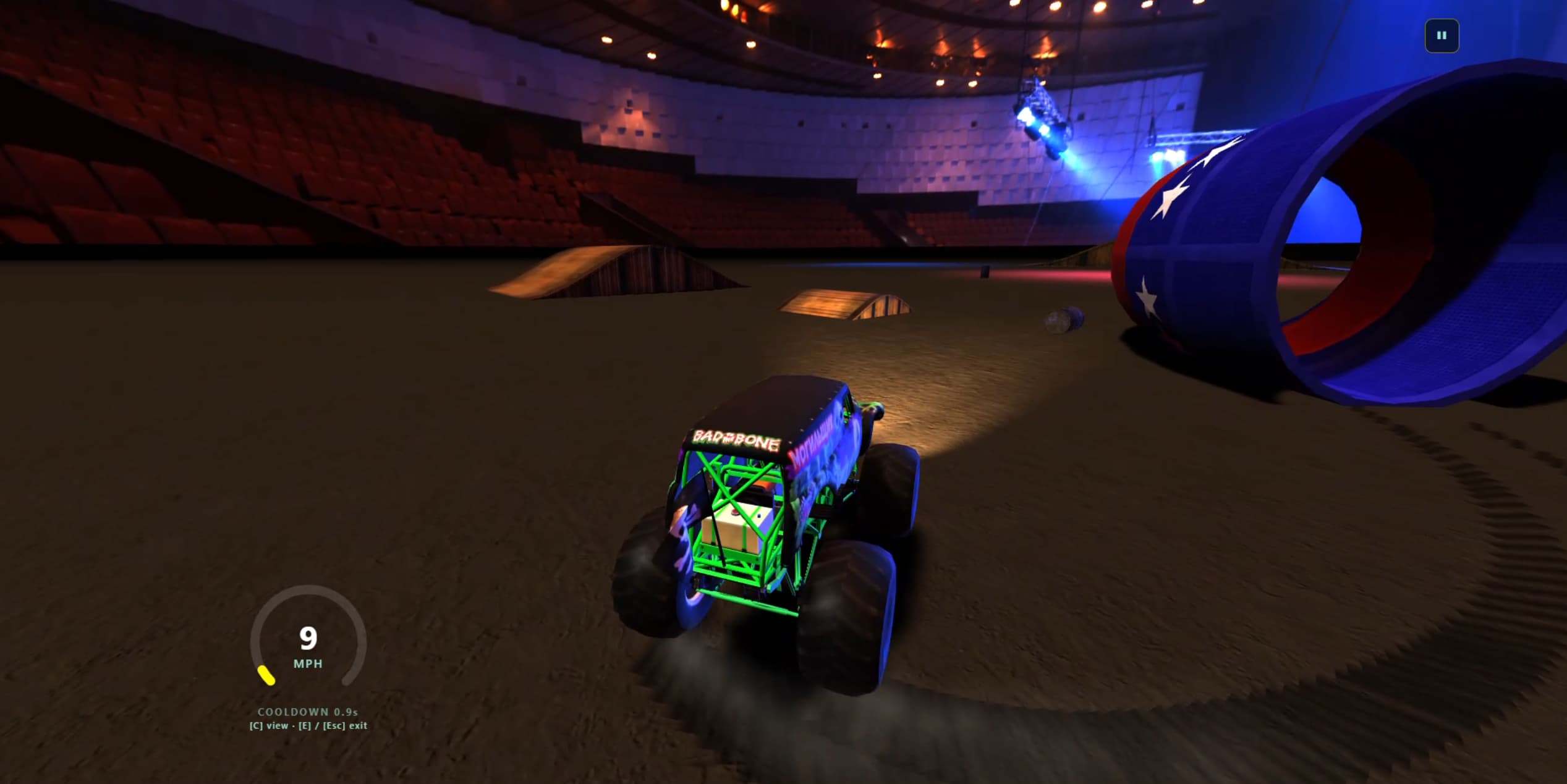
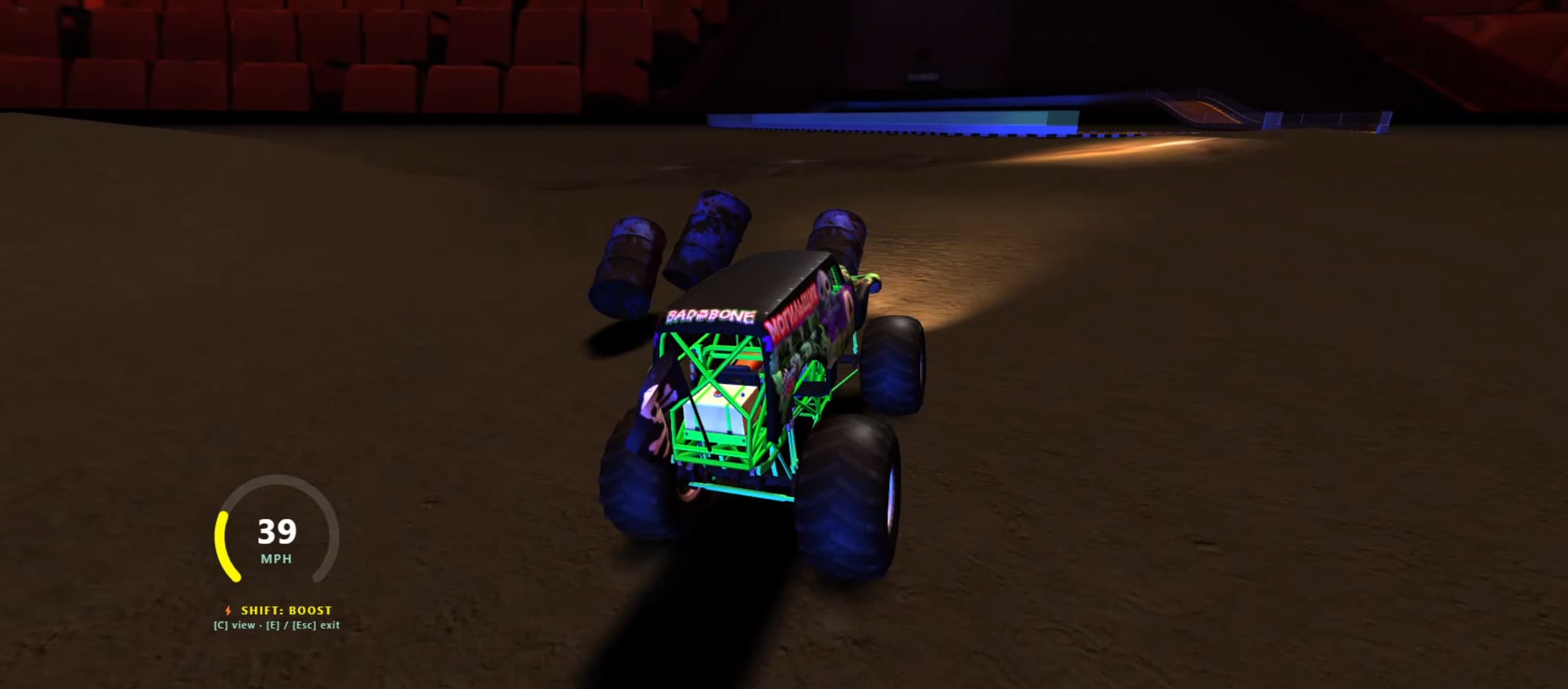
Track builder
Snap-together curves, banking and ramps, with AI rivals, lap timing and ghost laps.
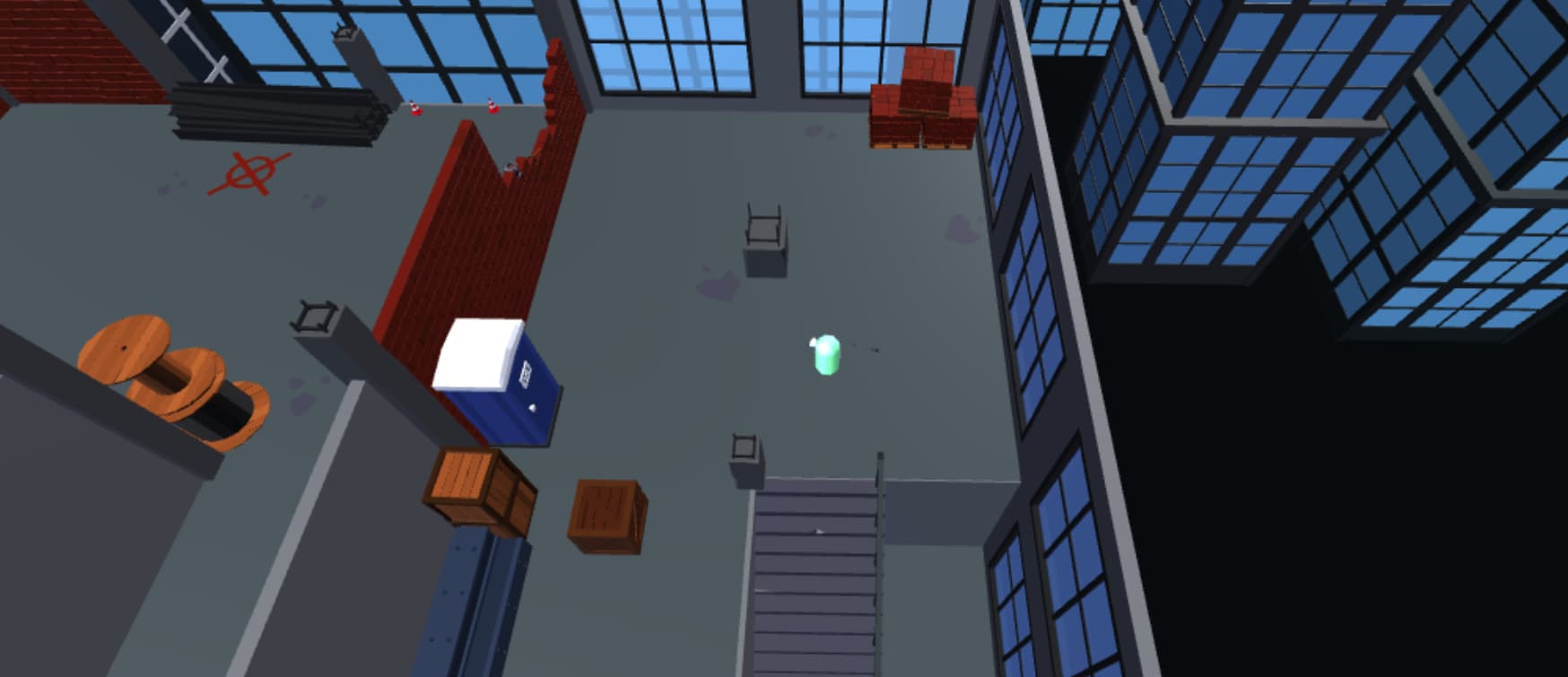
Twin-stick
Isometric-tilt camera with rotation, tilt and height control, and a mouse-steered aiming cursor.
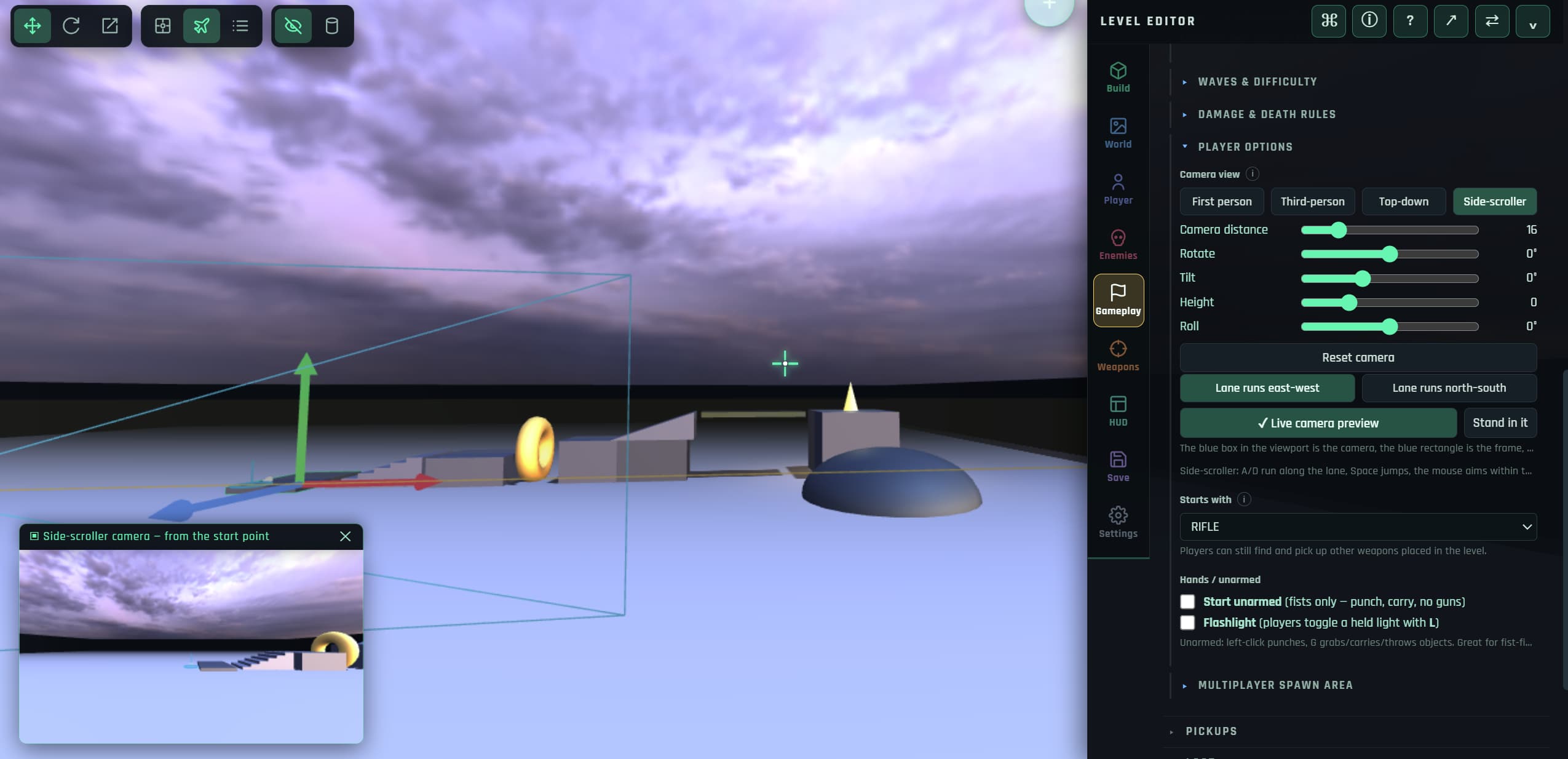
2.5D platforming
Lane-locked movement through fully 3D scenery, with an angled camera you control.
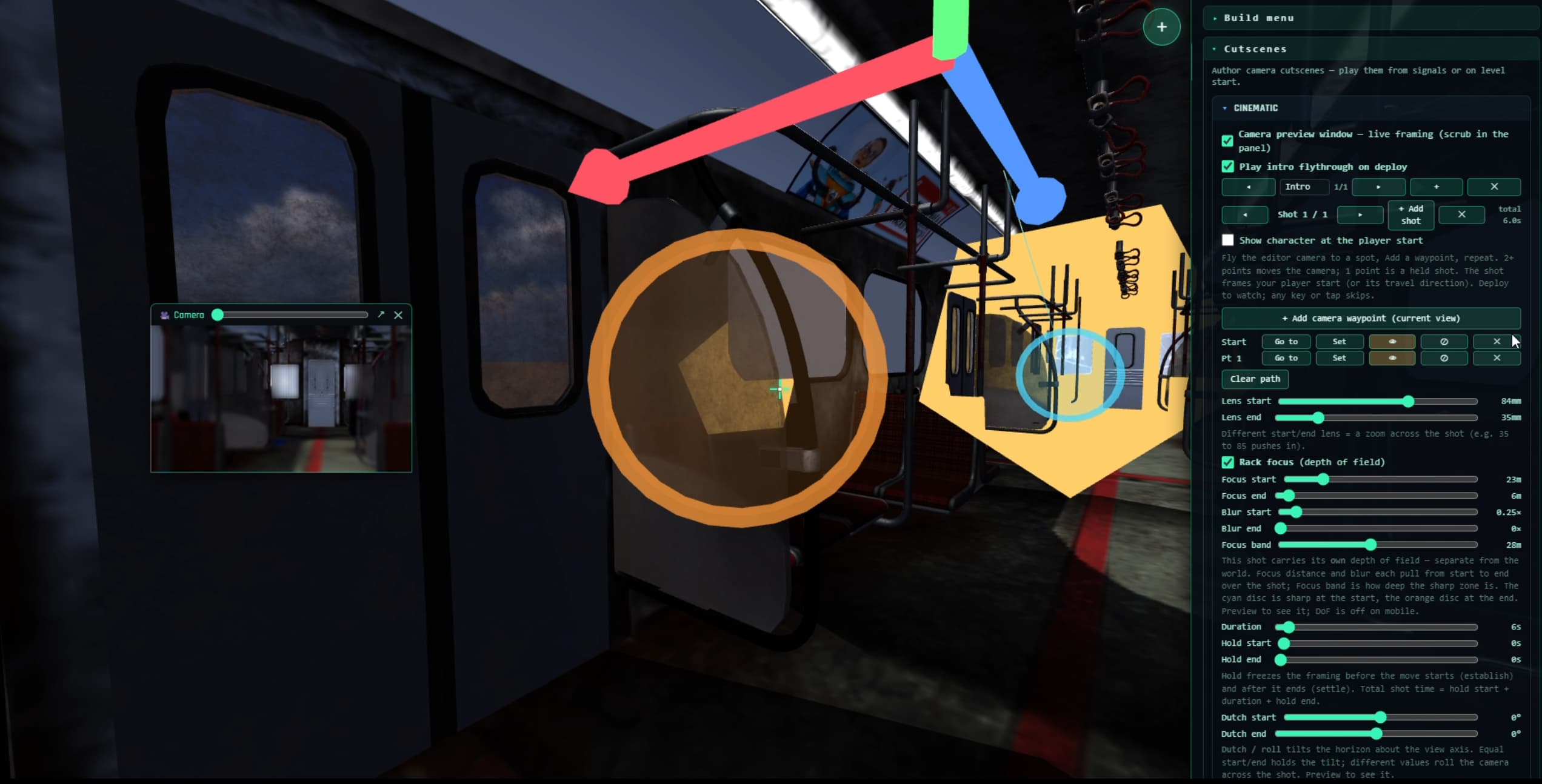
NPCs and cutscenes
Branching dialogue, trigger volumes, signals and locks, and a shot-by-shot cutscene editor.
Multiple levels
Chain levels together, carry variables between them, and author your own title and end screens.
Browser game engines compared
A quick orientation. All of these are legitimate choices — they simply aim at different people.
| Engine | Runs in browser | 3D | Coding required | Best for |
|---|---|---|---|---|
| Rumpus Engine | Editor and game | Yes | None | 3D action games built visually, shared as links |
| PlayCanvas | Editor and game | Yes | JavaScript | Developers who want a code-first 3D web engine |
| GDevelop | Editor and game | Mainly 2D | Event sheets | 2D games with visual event logic |
| Construct 3 | Editor and game | Mainly 2D | Event sheets | 2D games; subscription for full features |
| Unity / Godot / Unreal | Desktop editor | Yes | C#, GDScript, C++ | Full-scale projects and native platform export |
Questions people ask
What is the best free browser-based game engine?
It depends on what you are building. For 3D games made visually with no coding, Rumpus Engine runs entirely in the browser and is free with no account. For 2D, GDevelop and Construct both offer browser editors. For code-first 3D, PlayCanvas is aimed at developers writing JavaScript.
Do browser games perform well enough?
For indie-scale 3D, yes. WebGL reaches roughly native graphics throughput for this kind of workload and WebAssembly physics runs close to native. The practical limits are per-tab memory and download size, not rendering power.
Can I work offline?
Once the page has loaded, the engine keeps running without a connection, and levels autosave into your browser. Model search and multiplayer need a connection, since they reach external services.
Can I export my game to Steam or a console?
No. Rumpus Engine publishes to the web — a shareable link, or the community library. If native store or console export is a requirement, use a desktop engine such as Unity, Unreal or Godot.
Try it in the time it takes to read this
The editor opens in a tab. No account, no installer, no project wizard.
Open the editor