
Cost and access
Rumpus Engine is free and unconditional: there is no paid tier, no trial clock, no account wall and no watermark. It runs in a browser tab, so there is also nothing to install, licence or renew.
Is Rumpus Engine free?
Yes, and completely. No paid tier, no subscription, no trial period, no revenue share, no watermark on anything you make. You do not need an account to build or to play.
Do I need to download or install anything?
No. It runs in your web browser — opening the page is the installation. The whole engine is a single HTML file, so there is nothing to set up, patch or keep updated.
Do I need an account?
No. There is no sign-up and no login anywhere in the product. Levels autosave into your own browser storage, and sharing works by URL rather than by account.
Is it open source?
The source is readable in the repository and the engine is free to use, but the code is copyright Jarred Smith rather than released under an open-source licence. It is built on MIT and Apache-2.0 licensed libraries including three.js, Rapier and PeerJS.
Running it
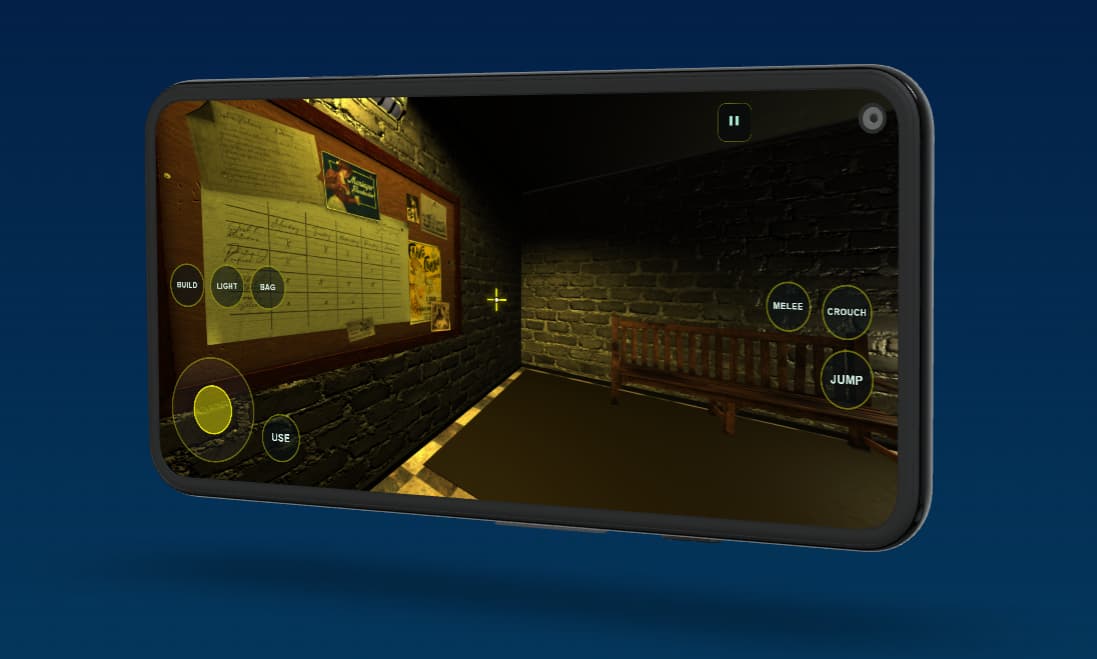
Anything that can run a modern browser can run the engine — including phones and tablets, where touch controls take over. Your work lives in your own browser storage unless you deliberately export or publish it.
What are the system requirements?
Any reasonably modern browser with WebGL — Chrome, Edge, Firefox or Safari — on Windows, macOS, Linux, Android or iOS. It runs on phones and tablets with touch controls, and the engine scales its own rendering quality to hold a steady frame rate.
Does it work offline?
Once the page has loaded, yes — the engine keeps running without a connection and levels autosave into your browser. Model search and multiplayer need a connection, because they reach external services.
Where are my levels stored?
In your browser, on your machine. Nothing is uploaded unless you choose to submit a level to the community library. Export a level to a file if you want a backup you control.
Building games
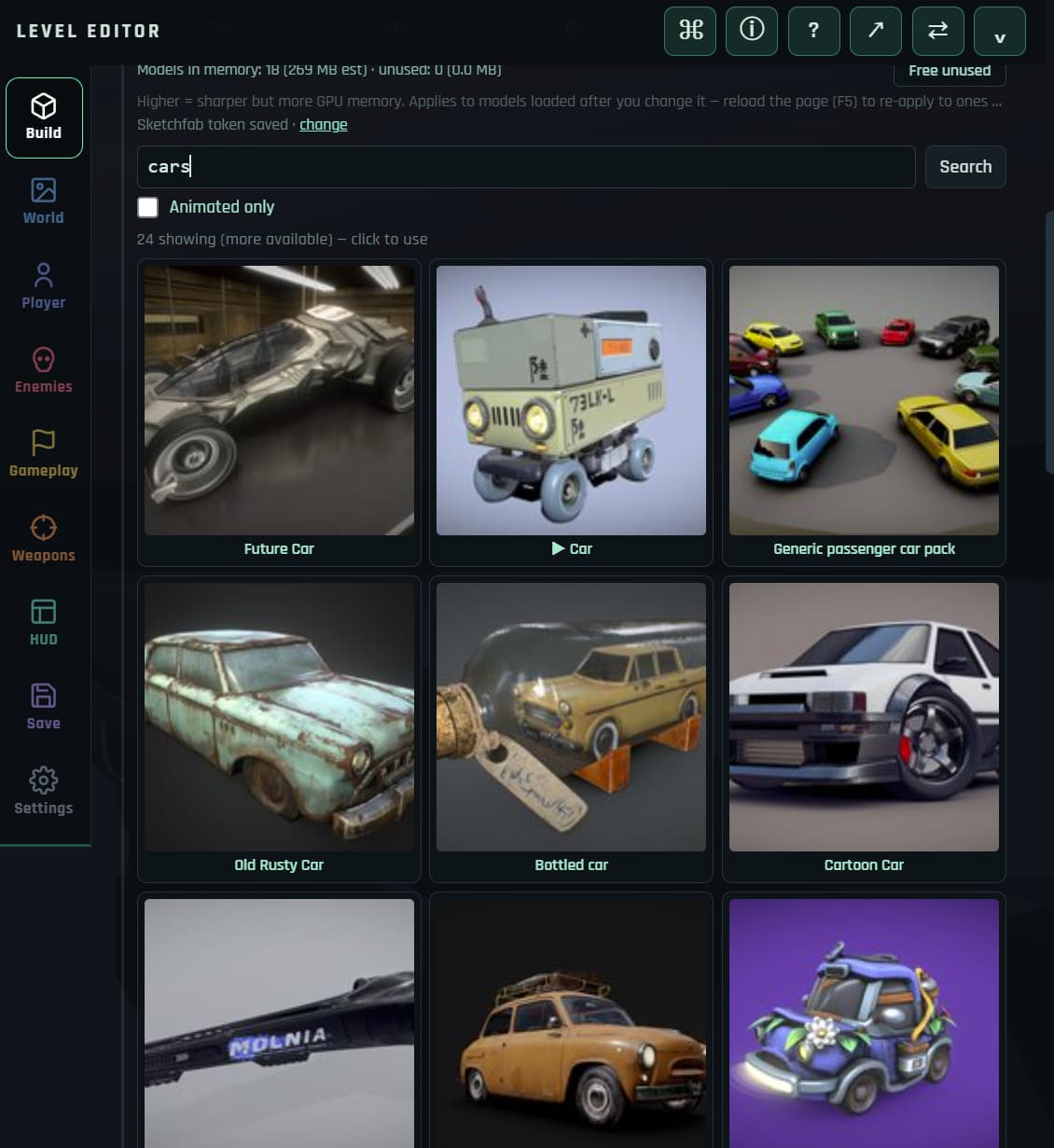
There is no scripting language anywhere in the product. Worlds are built by placing and shaping things; behaviour is built by wiring triggers, logic nodes, variables and dialogue together. Bring your own models and audio, or search free 3D models from inside the editor.
Do I need to know how to code?
No — there is no scripting language in the product. Behaviour is built with trigger volumes, a node-based logic graph, persistent variables and a dialogue editor. Here is how that works in practice.
What kinds of games can I make?
First and third-person shooters, racing and driving, top-down twin-stick, and 2.5D side-scrollers, plus story and puzzle games built from NPCs, dialogue and triggers. Eight objective types are built in: eliminate, survival, extraction, defend, destroy, escort, puzzle and race.
Can I import my own 3D models, textures and sounds?
Yes. Import .glb models, textures and audio, or search free models from Poly Pizza and
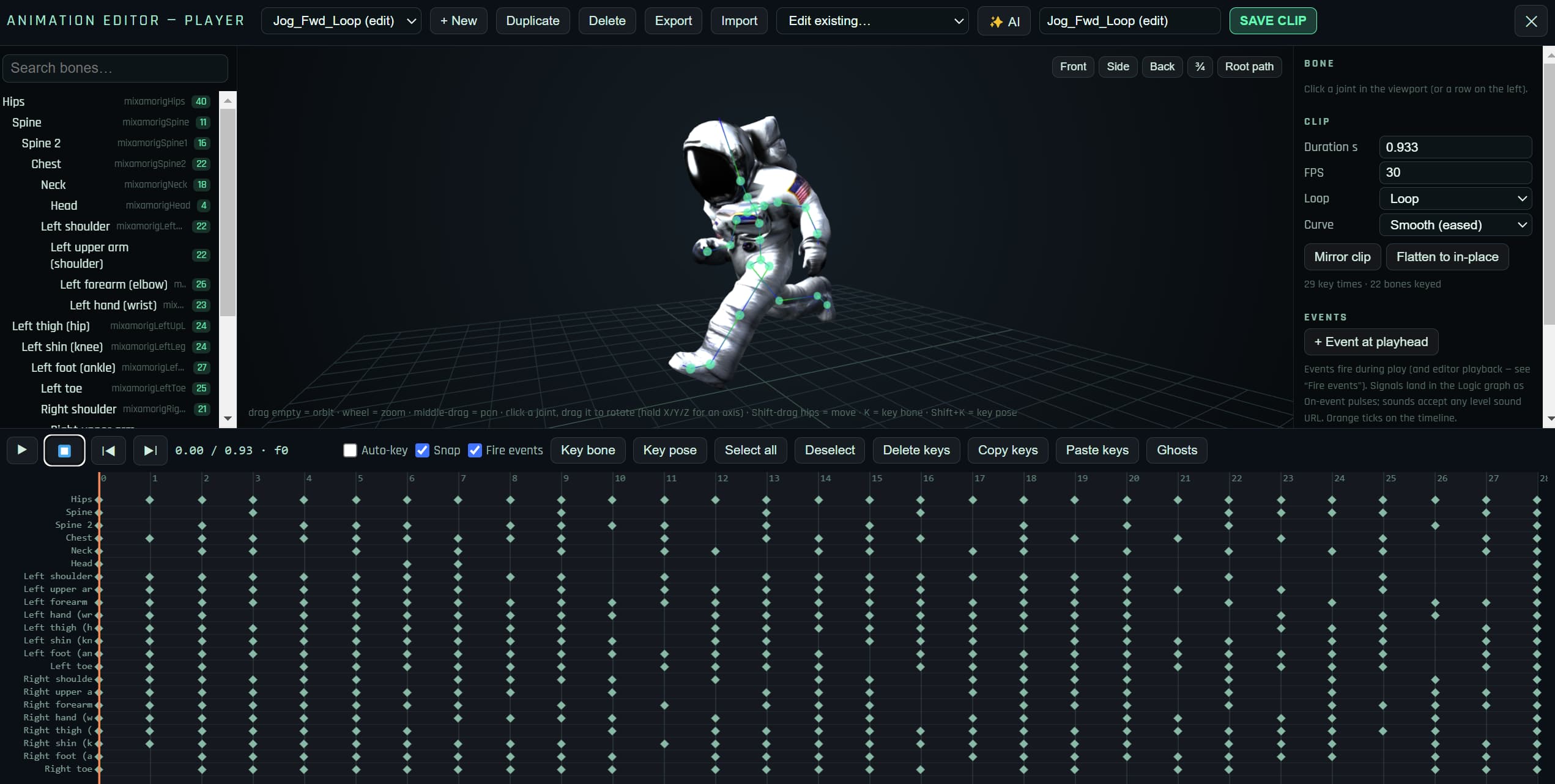
Sketchfab from inside the editor. Characters that arrive without animations can be rigged and animated in
the built-in animation editor.
Is there multiplayer?
Yes — co-op and PvP, peer-to-peer over WebRTC with a room code. Your level syncs to whoever joins, so there is no server to rent or run. Racing supports multiplayer too.
Can I build a campaign, not just one level?
Yes. Levels chain into campaigns, variables carry between them, and you can author your own title screen and win/lose end screens.
Sharing and publishing
A finished level is a link. Rumpus publishes to the web rather than to native storefronts, which makes it excellent for sharing, playtesting and portfolio work — and the wrong tool if your goal is a paid release on Steam or a console.
How do I share a game I have made?
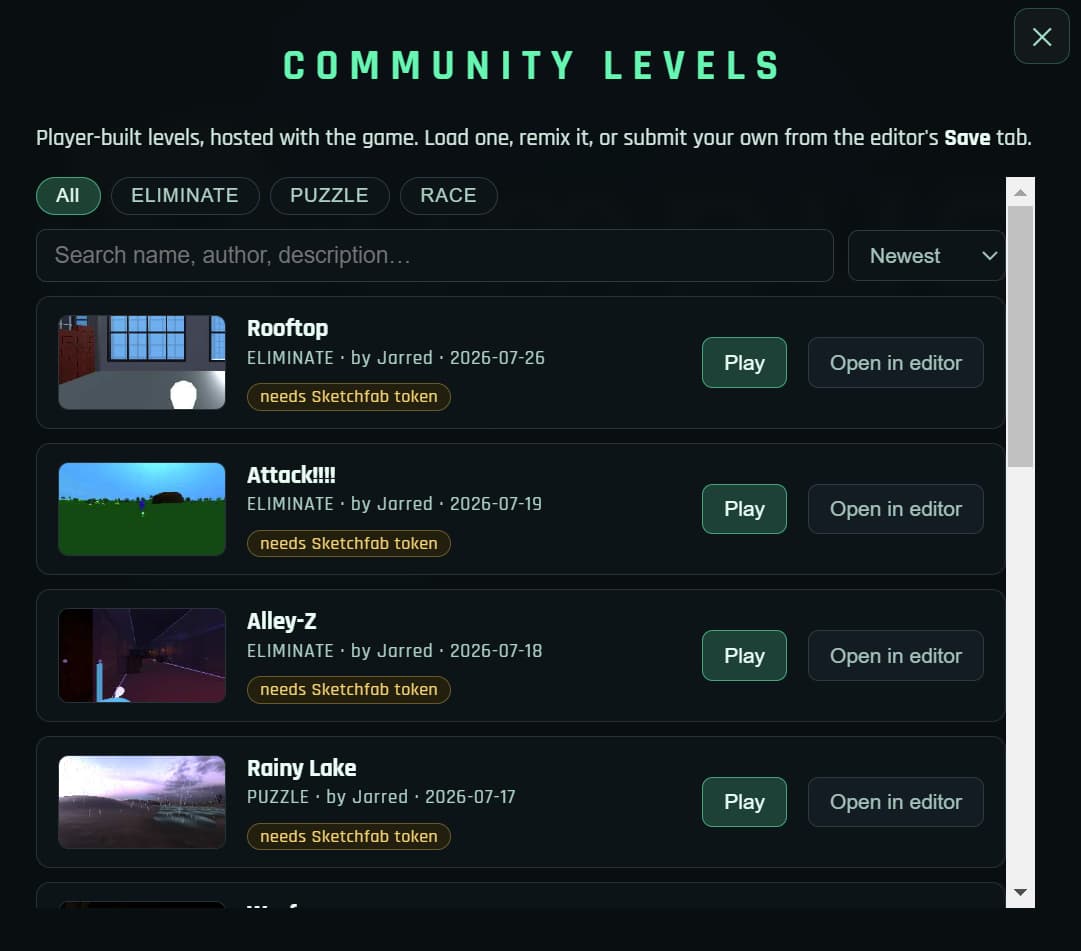
A whole level compresses into a URL — send the link and it opens as a playable game in the recipient's browser, with nothing to download. You can also export it as a file, or submit it to the in-game community library.
Can I publish to Steam, consoles or app stores?
No. Rumpus Engine publishes to the web. If native store or console export is a requirement, use a desktop engine such as Unity, Unreal or Godot — comparison here.
Who owns the games I make?
You do. Licences for imported assets follow whatever you imported; the engine collects attributions per level and shows them on an in-game credits screen, so your players can see them too.
Still wondering? Just open it.
Free, no account, nothing installed. Close the tab if it isn't for you.
Open the editor